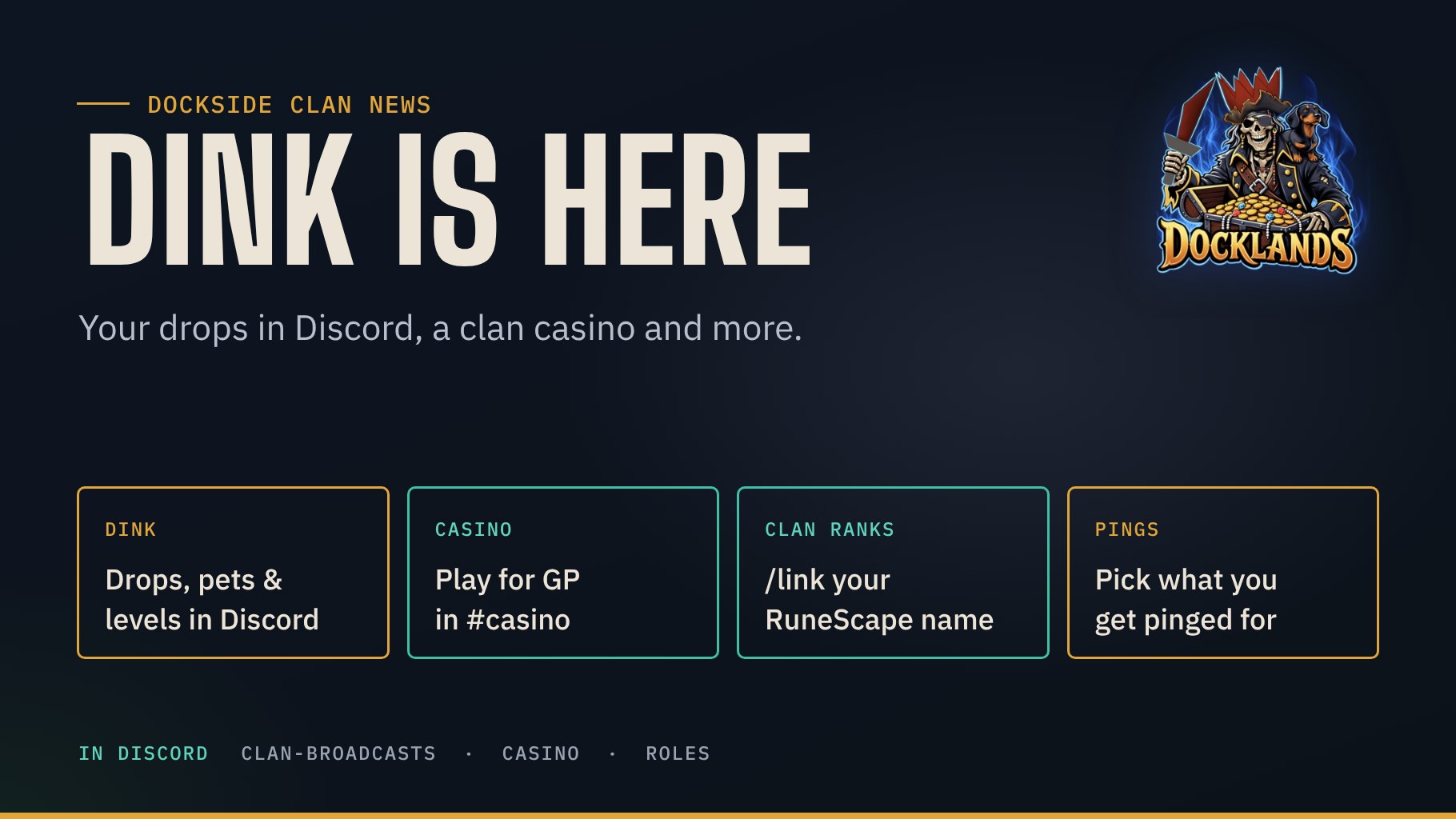
Our Dockside bot has been busy. Your drops, pets and level-ups now land in Discord through Dink, there is a brand new clan casino to play for GP, your Discord role can follow your clan rank, and you decide yourself what you get pinged for.
Dink replaces TrackScape
TrackScape is gone. Instead, the RuneLite plugin Dink sends your achievements to our website, and the Dockside bot posts them in the clan broadcasts channel. Setting it up takes two minutes: install Dink from the Plugin Hub and paste one address into its settings. That is all, Dink gets the right settings from us automatically.
https://dockside.info/dinkThe Dink guide walks you through it step by step. We picked settings that work for everyone, not just maxed accounts:
- Drops from 100K, with a screenshot.
- Pets and every new collection log slot.
- Levels: every 5 levels up to 50, then every single level.
- Boss first kills, personal bests and every 250 kills.
- Quests, diaries from medium, combat achievements from hard and clues from 100K.
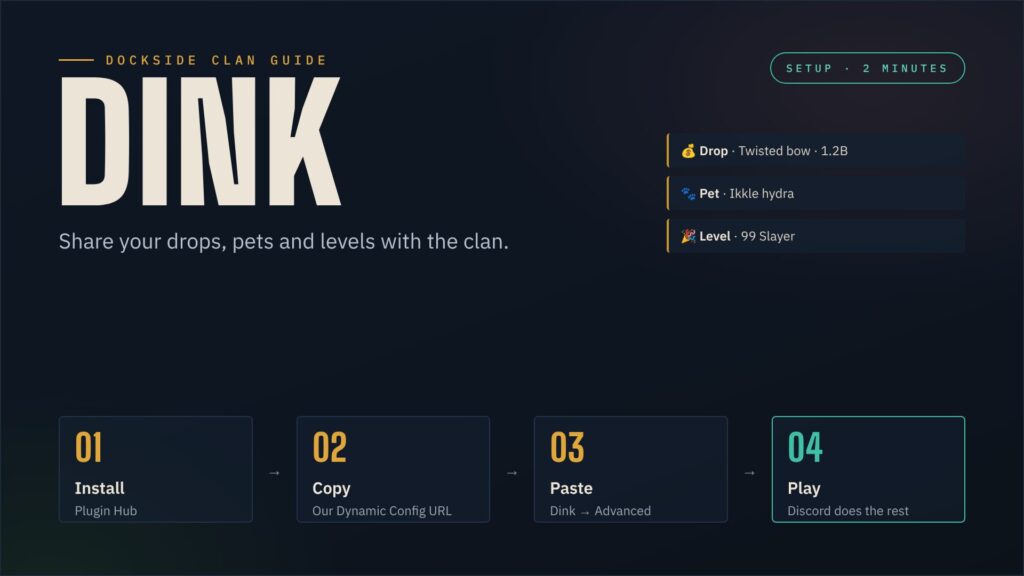
Only members on our clan list are posted, and deaths, trades and your chat are never sent. The clan chat link to Discord from TrackScape is gone with it.
Your drops also show up on the website: Latest drops sits next to the Wise Old Man boards on the homepage, and the Hall of Fame now has the Drop of the Month with its top three and a list of our pet hunters. Who takes the first spot in November?
The Dockside casino
UnbelievaBoat has left the building. The money games now run on our own bot, in OSRS style and with GP. Head to #casino and try:
/workevery 5 minutes: chop yews, fish sharks or do a Slayer task for some GP./crimeand/pickpocketevery 15 minutes: big GP or a fine from the Ardougne guards./blackjackwith Hit and Stay,/rouletteand/slots– watch out for the dragon jackpot./balanceand/leaderboardto see who has the fattest coin pouch.
Your UnbelievaBoat balance came with you, and your pouch can no longer go below zero.
Your clan rank on Discord
Use /link with your RuneScape name and the bot gives you the Discord role of your in-game rank, scimitar icon included. It follows your rank automatically, also after promotions. /rank shows your rank, /unlink removes the link.
You choose your pings
In the roles channel you react to pick what you want to be pinged for: 📰 Dockside News, 📺 Docklands News, 📅 Events and 🔴 Livestream. Remove your reaction and the pings stop. New members get no pings until they pick them.
Changelog
- Dink instead of TrackScape, with the new Dink guide and the short address dockside.info/dink.
- New casino in #casino; UnbelievaBoat removed, balances taken over.
- Clan rank roles synced with Wise Old Man, with
/link,/rankand/unlink. - Ping roles picked by reaction in the roles channel, for new members too.
- All bot messages in the same Dockside look: news, events, competitions, live alerts and logs.
- Competition cards now link to our events page as well as Wise Old Man.
Questions or ideas? Open a ticket in our ticket channel or post it in the forum. See you on the water!